A single extra character can stop an otherwise perfect tweet from being published. You might have written a short message, added a link, and suddenly found yourself over the limit.
So, how much can you actually write on Twitter (now X)?
The current Twitter character limit is 280 characters for regular users and up to 25,000 characters for X Premium subscribers. But there’s more to understand, especially when your post contains spaces, emojis, links, or hashtags.
Here’s everything you need to know before publishing your next tweet.
What Is the Current Twitter Character Limit?
As of October 2026, a standard Twitter (X) post can contain up to 280 characters in most supported languages.
However, users subscribed to X Premium can publish significantly longer posts, with a maximum allowance of 25,000 characters.
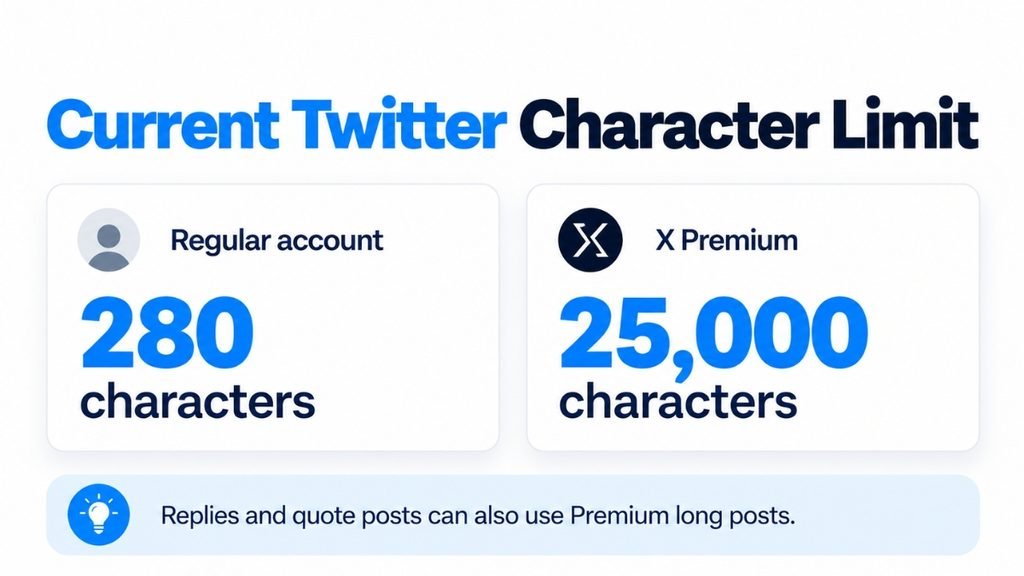
According to the official X Premium documentation, longer posts are available across Premium subscription tiers and can also be used in replies and quote posts.
Here’s a quick comparison:
| Account Type | Character Limit |
|---|---|
| Regular (Free) Account | 280 characters |
| X Premium (including Basic) | 25,000 characters |
Keep in mind that X uses weighted character counting. Certain languages, emojis, and other symbols are calculated differently from standard English text.
Does the Twitter Character Limit Include Spaces?
Yes, Twitter’s character limit includes spaces, punctuation marks, numbers, and line breaks.
For example, typing “Hello World” consumes 11 characters, not 10, because the space between both words also counts.
However, counting becomes slightly different when you include links or special characters.
What Counts Toward Your Tweet Limit?
| Text Element | Character Count |
|---|---|
| English letters | 1 each |
| Numbers | Usually 1 each |
| Spaces | 1 each |
| Punctuation | Usually 1 each |
| Hashtags | Every typed character counts |
| URLs | 23 characters per link |
| Recognized emojis | Generally 2 weighted characters |
| Attached photos and videos | No additional text characters |
One interesting detail is how Twitter handles website links.
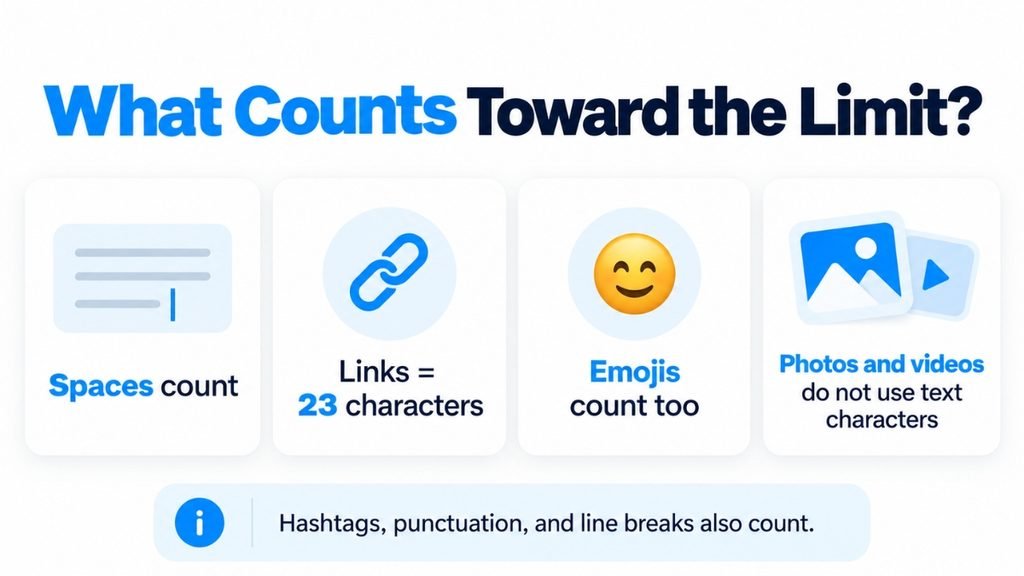
According to X’s official guide to posting links, every URL is automatically shortened through its t.co service and uses a fixed allowance of 23 characters, regardless of the original URL’s length.
This means adding one link to a standard 280-character tweet leaves 257 characters for everything else, including any spaces around that link.
How to Check Word and Character Count Before Posting a Tweet
Writing directly inside X works fine, but preparing your content beforehand can save unnecessary editing, especially when managing multiple social media accounts.
Before publishing, paste your draft into the free CounterWords word and character counter to check its length.
The tool instantly displays:
- Total words in your text.
- Character count with spaces.
- Character count without spaces.
- Sentence and paragraph counts.
You can adjust your draft, remove unnecessary words, and check the updated numbers without repeatedly opening Twitter’s post editor.
Quick tip: Use the character count with spaces when preparing a tweet. Counter Words provides a general character count, so remember that X may calculate URLs, emojis, and certain language characters differently. Always check the final count inside X before posting.
What Was the Original Twitter Character Limit?
The original Twitter character limit was 140 characters when the platform launched in 2006.
This restriction originated from SMS messaging, which traditionally supported 160 characters per message.
Twitter reserved 20 characters for usernames and other information, leaving 140 characters for the actual tweet.
That was enough for brief personal updates, but it often forced people to shorten sentences, remove meaningful details, or split conversations into multiple posts.
Eventually, Twitter began reconsidering this limitation as the platform grew.
Twitter Character Limit History: How It Changed Over Time
Twitter’s character limit has undergone several important changes since its early days.
Here’s a brief timeline:
| Year | Character Limit | What Changed? |
|---|---|---|
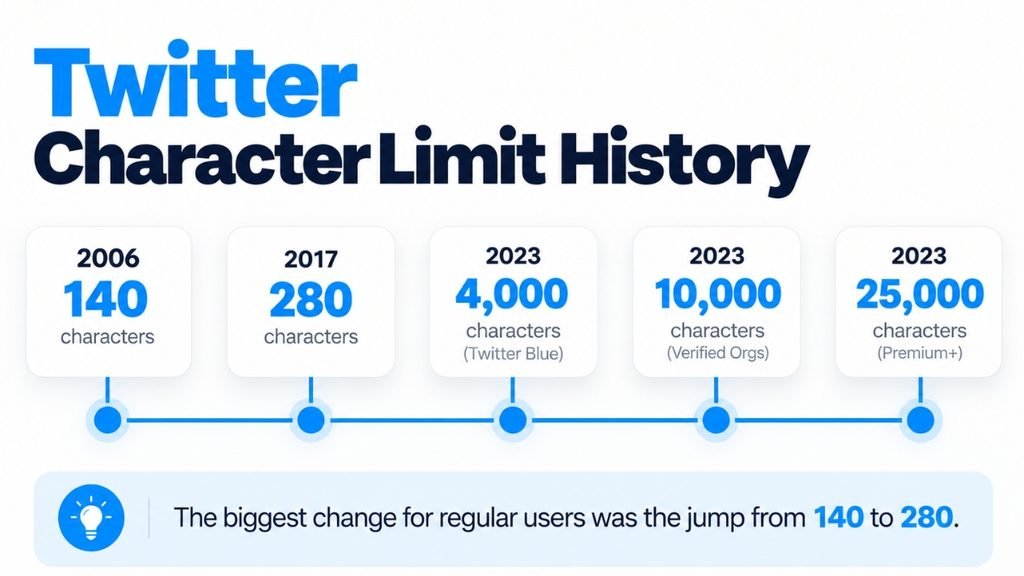
| 2006 | 140 | Original Twitter character limit introduced |
| 2017 | 280 | Standard limit doubled for most languages |
| February 2023 | 4,000 | Longer posts introduced for paid subscribers |
| April 2023 | 10,000 | Paid post limit expanded |
| June 2023 | 25,000 | Longer post allowance increased again |
| 2026 | 280 / 25,000 | Separate standard and Premium limits |
The biggest change for regular users happened on November 7, 2017, when Twitter officially announced that it was expanding the character limit from 140 to 280.
However, Japanese, Chinese, and Korean retained different counting rules because their writing systems can communicate more information using fewer characters.
How to Write Better Tweets Within 280 Characters?
You don’t need all 280 characters to communicate something meaningful. In fact, shorter and clearer messages can be easier for readers to understand.
Here are a few practical ways to stay within the limit:
- Lead with your main message. Avoid lengthy introductions that delay the actual point.
- Remove unnecessary words. Replace wordy expressions with shorter, natural alternatives.
- Limit your hashtags. Use only those that genuinely relate to your post.
- Check before publishing. Count your draft and leave enough space for any links or additions.
- Create a thread when needed. Divide longer explanations into connected tweets instead of sacrificing important context.
The goal isn’t to fill every available character. It’s to communicate something useful without making readers work harder to understand it.
FAQs
Can You Post More Than 280 Characters Without Twitter Premium?
You cannot publish a single standard post beyond its permitted limit without Premium. However, you can create a Twitter thread by connecting multiple posts to share longer explanations.
Do Emojis Count Toward the Twitter Character Limit?
Yes. Recognized emojis generally count as two weighted characters, even when they contain multiple underlying Unicode characters. X’s twitter-text configuration documentation explains how these special counting rules work.
Conclusion
The Twitter character limit has come a long way from its original 140 characters. Today, most regular users get 280 characters, while Premium subscribers can publish posts containing up to 25,000 characters.
Before posting, check your draft’s length, pay attention to spaces and links, and focus on making every sentence useful.
After all, a good tweet isn’t measured by how many characters you use, but by how clearly you get your message across.